

YuzuLingo vs VideoWipe (KKenny0)
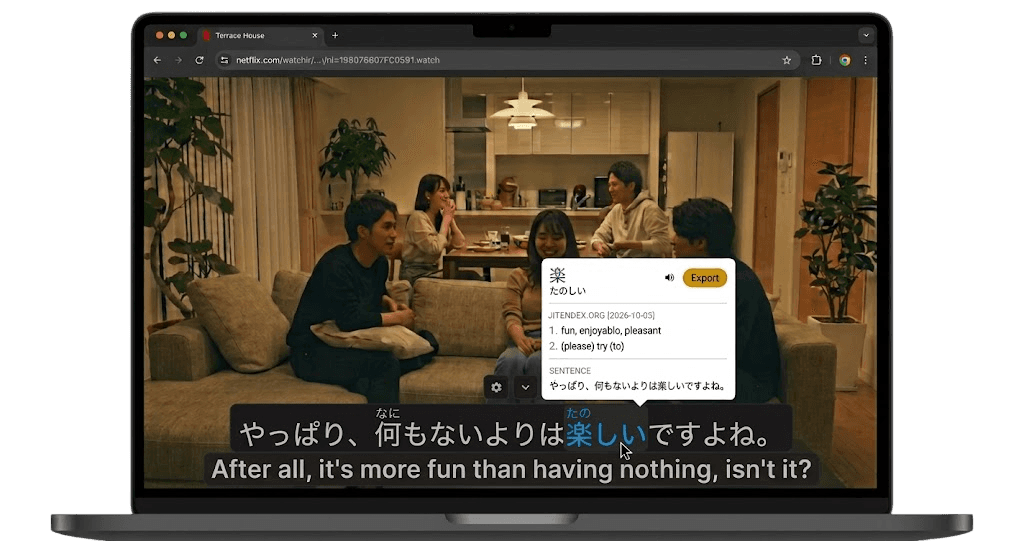
YuzuLingo stays in the browser. You cover burned-in subtitles on the video you are already watching, including YouTube, Bilibili, and other web players. There is no video file to upload or download. Turn on Interact to read the burned-in line on your device, with readings such as furigana, pinyin, romanization, or IPA when that language has them. Show that text always, on hover, or while you hold a hotkey.
VideoWipe is KKenny0’s tool in the repo videowipe. You set up Python 3.10 or newer, or use Docker. It is not on PyPI. You point it at a local video. It finds burned-in text, watermarks, logos, and on-screen timestamps, then inpaints those pixels and writes a new MP4 with the original audio. Detection names Chinese, English, Korean, and more. You can pass a mask, or limit the job to subtitles or to the bottom of the frame. The default clean command does not pause for review. Preview, confirm, and a local web page on 127.0.0.1 are how you choose tracks and try a short section first. Optional RapidOCR can read a crop to tell a timestamp or watermark from a subtitle. That stays on the device. Optional ProPainter needs a GPU and its own non-commercial license. The README points at YaoFANGUK’s video-subtitle-remover for a Windows one-click app. The latest release is v0.11.1. The last commit was on 12 October 2026. GPL-3.0. It does not cover a web video while it plays, and it does not write an SRT.
 GitHub - KKenny0/videowipe: Preview-first local remover for hardcoded subtitles, watermarks & logos. CLI, Docker, web UI. / 本地擦硬字幕和水印:先预览再擦,支持命令行、Docker、网页。
Where each one fits
| Feature | YuzuLingo | VideoWipe |
|---|---|---|
| Install in the browser, no Python project to set up | ||
| No video file to upload or download | ||
| Cover burned-in subs while a web video plays | ||
| Read that burned-in line while the web video plays, on your device | ||
| Readings on that line (furigana, pinyin, IPA…) | ||
| Show that text always, on hover, or while you hold a hotkey | ||
| Find burned-in text on a local video automatically | ||
| Draw the subtitle area yourself | ||
| Preview the detection and choose which tracks to erase | ||
| Try a short section before the full video | ||
| Erase the burned-in line out of a local video and keep the audio | ||
| Remove a watermark, logo, or on-screen timestamp from that file | ||
| Add the line to an Anki deck |